Description
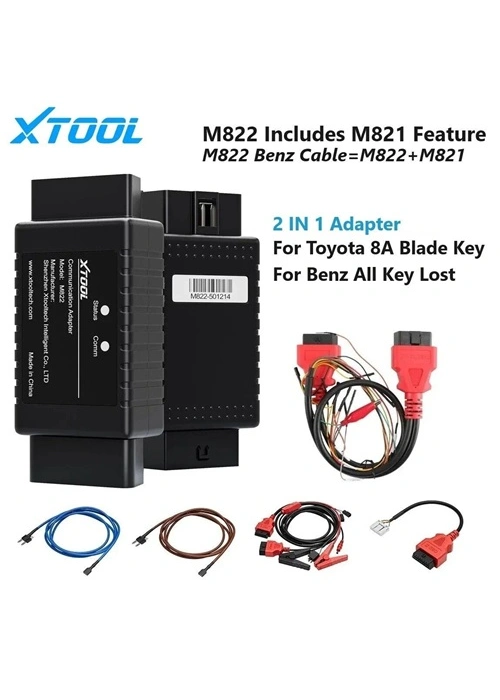
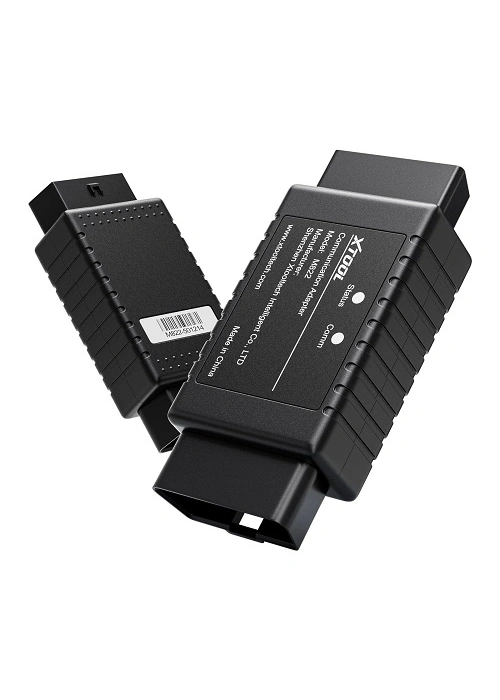
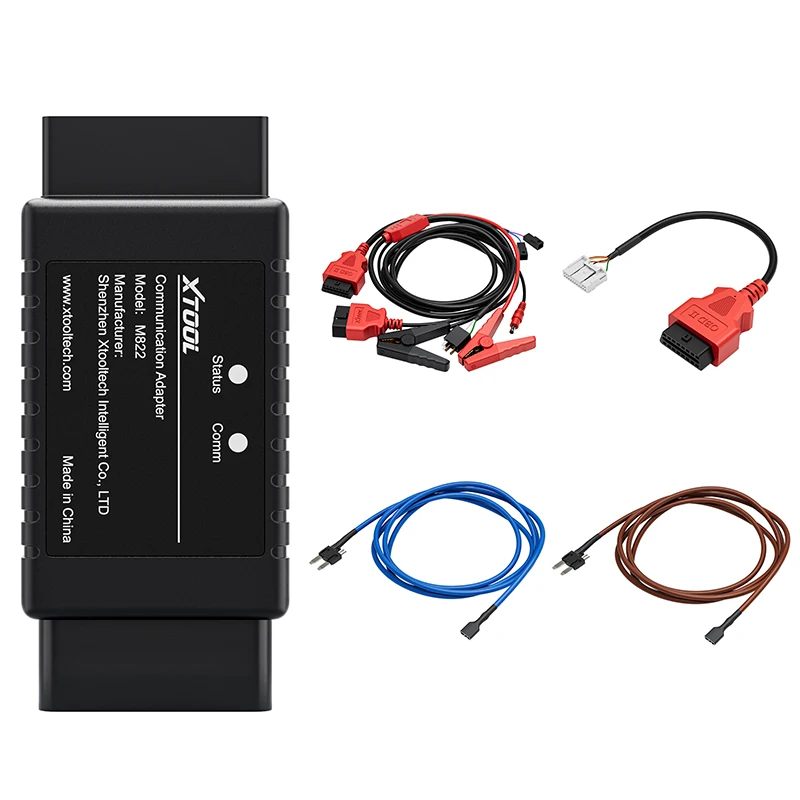
The XTOOL M822 Adapter is a specialized communication adapter designed to work with Toyota 8A blade key all-keys-lost programming. It is compatible with XTOOL tablets such as InPlus IK618E, X100 PAD Elite, X100 PAD2/PAD3, and key programming devices like KC100/KC501. By using M822, technicians can reduce calculation time by up to 65% and avoid repeatedly connecting/disconnecting key emulators during the programming process.
Key Features
- Faster Key Generation: Saves up to 65% of key calculation time.
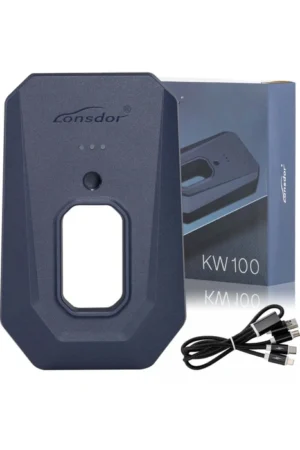
- Seamless Integration: Works with KS-1 Toyota Key Emulator, KC100/KC501, and XTOOL tablets.
- Supports All Key Lost: For Toyota 8A smart keys without disassembly.
- OBD & Bench Connection: Supports in-vehicle OBD programming and immobilizer bench programming.
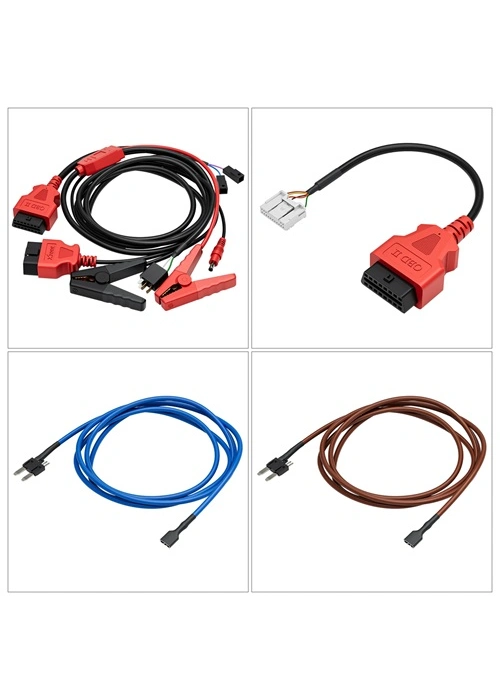
- Toyota Specialized Wiring Harness: Ensures proper connection to immobilizer and vehicle.
- Network Connection: Adapter works with XTOOL tablet network for key data calculation and emulation.
Supported Vehicle Models
2014 – 2019 Toyota/Lexus (8A Blade Key):
- Toyota Levin
- Toyota Corolla
- Toyota RAV4
- Toyota Prado
- Toyota Land Cruiser
- Toyota Camry
- Toyota Highlander
- Toyota Reiz
- Toyota Sienna
- Toyota Hiace
- Toyota Hilux
- Toyota Crown Kluger
- Toyota Aygo (with IMMO box F3-F4-K6-S6)
Note: Not compatible with American models using “H” chip blade keys. For these, use Reset IMMO function on X100 PAD3/Elite/MAX.
Connection Methods
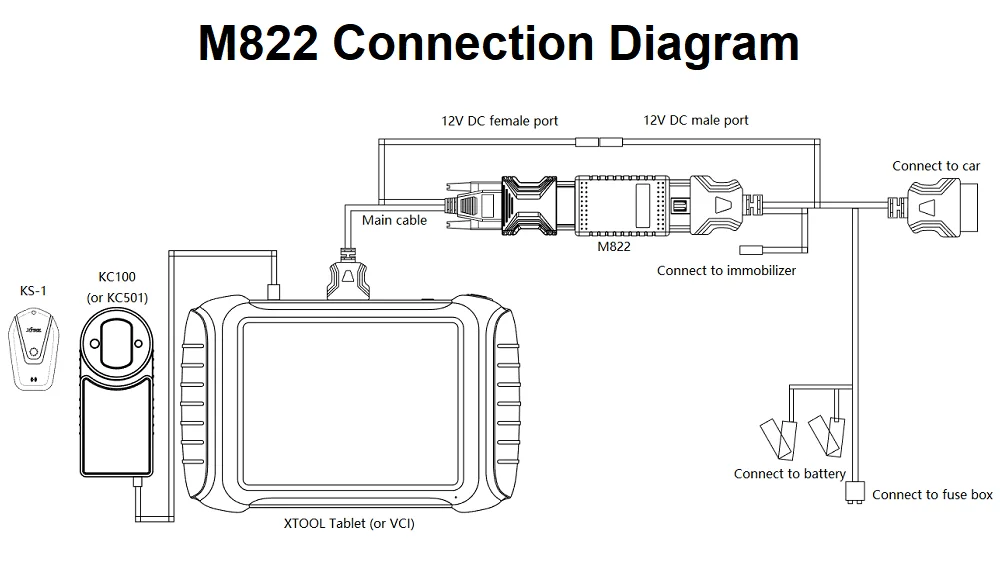
1. Connect via OBD:
- Connect KC100/KC501 to tablet via USB. Prepare KS-1.
- Connect XTOOL tablet or VCI box to M822 Adapter using main cable.
- Connect Toyota cable to vehicle OBD port.
- Connect battery clip from car to cable, and plug into fuse if necessary.
- Connect 12V DC from Toyota cable to main cable.
- Follow wiring diagram for model-specific variations.
2. Connect on Bench:
- Connect KC100/KC501 and KS-1.
- Connect immobilizer to Toyota bench cable.
- Connect main cable and bench cable via M822 Adapter.
- Connect 12V DC adapter to main cable.
Toyota 8A All Key Lost Procedure
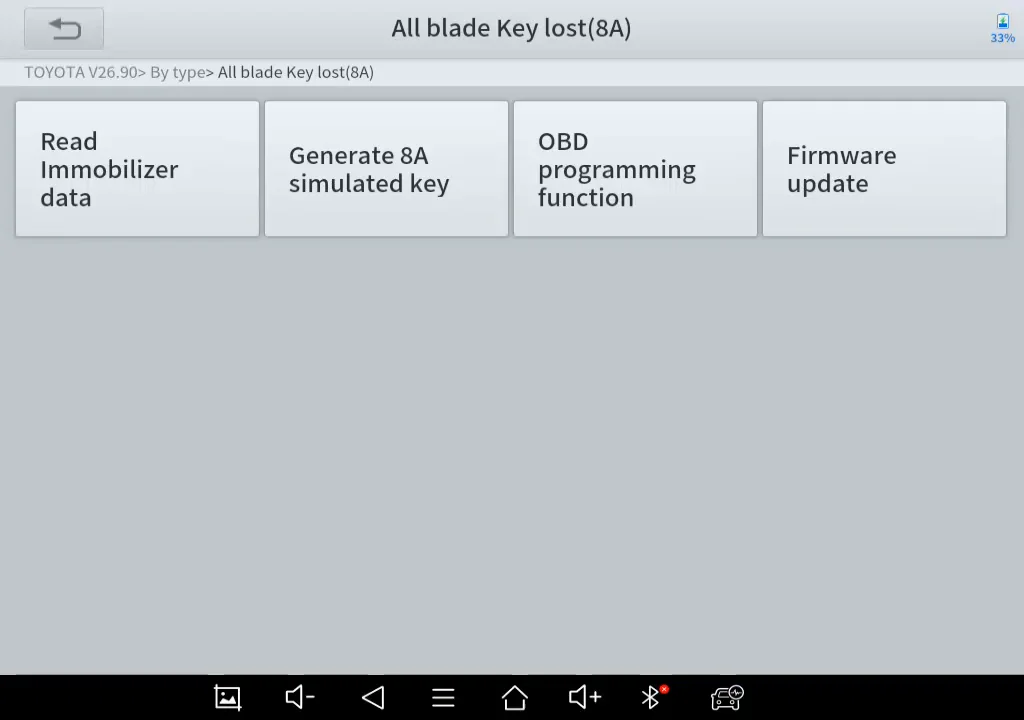
- Open Toyota software (v26.90 or higher).
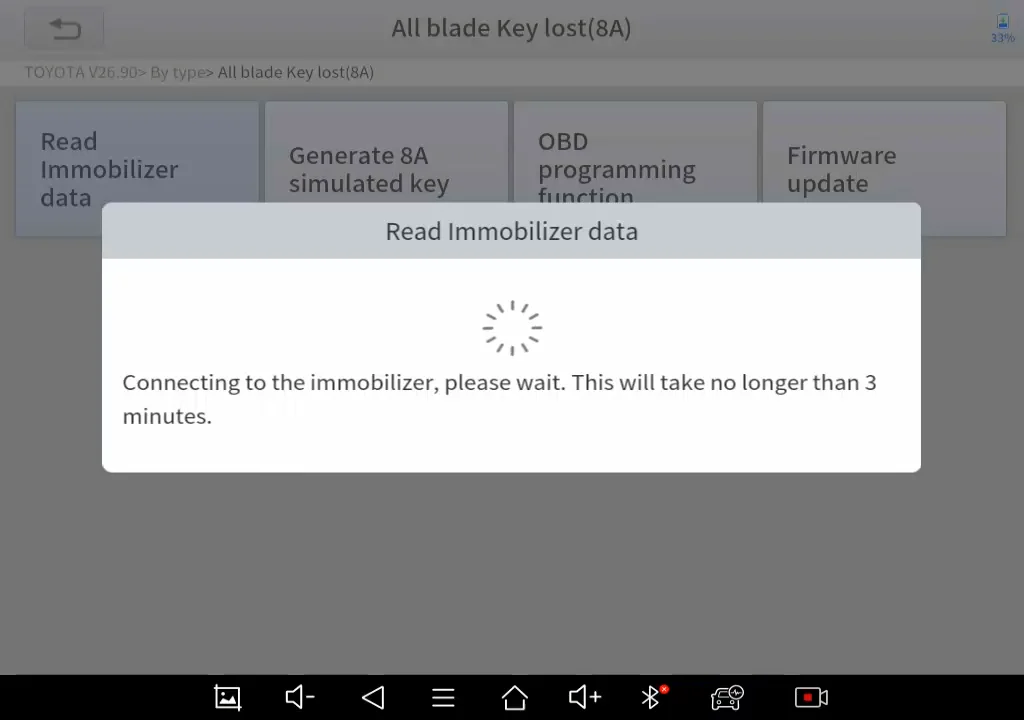
- Select By Type → All Blade Key Lost (8A).
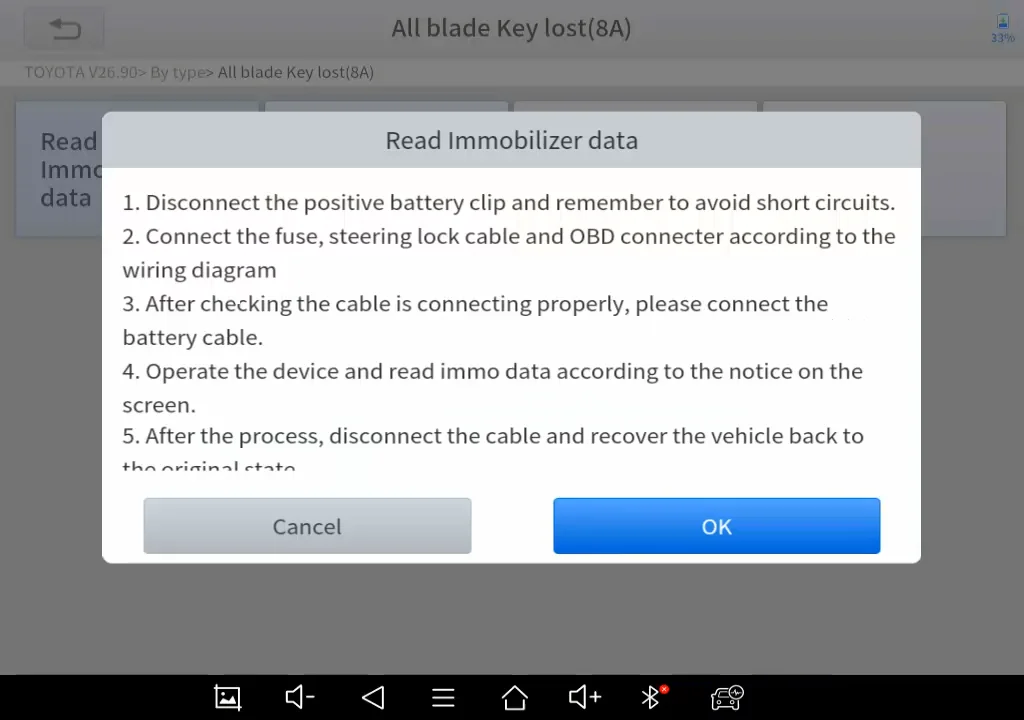
- Read Immobilizer Data: Follow prompts to connect to vehicle/network.
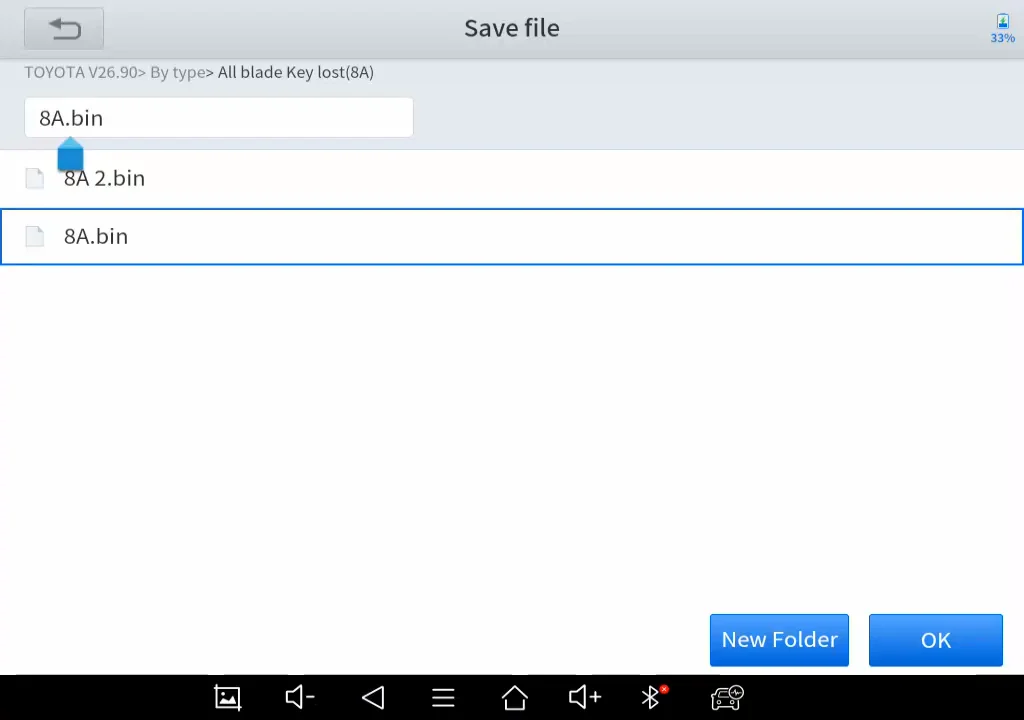
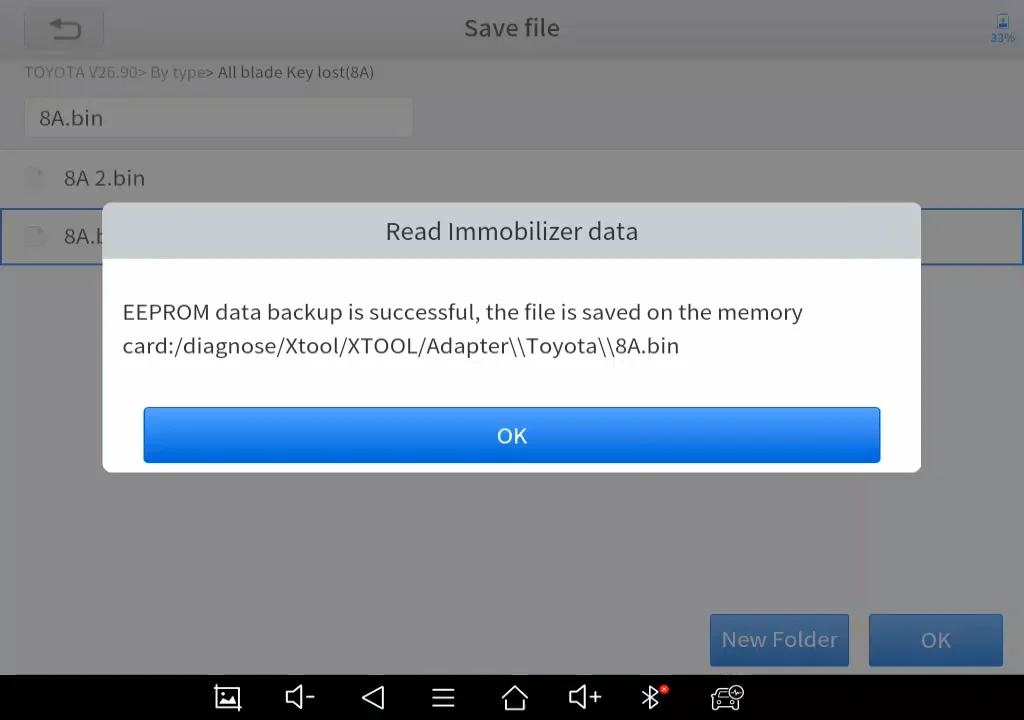
- Save data file in Adapter/Toyota folder.
- Disconnect M822 adapter and reset vehicle to original state.
- Connect KC100/KC501 and insert KS-1 emulator.
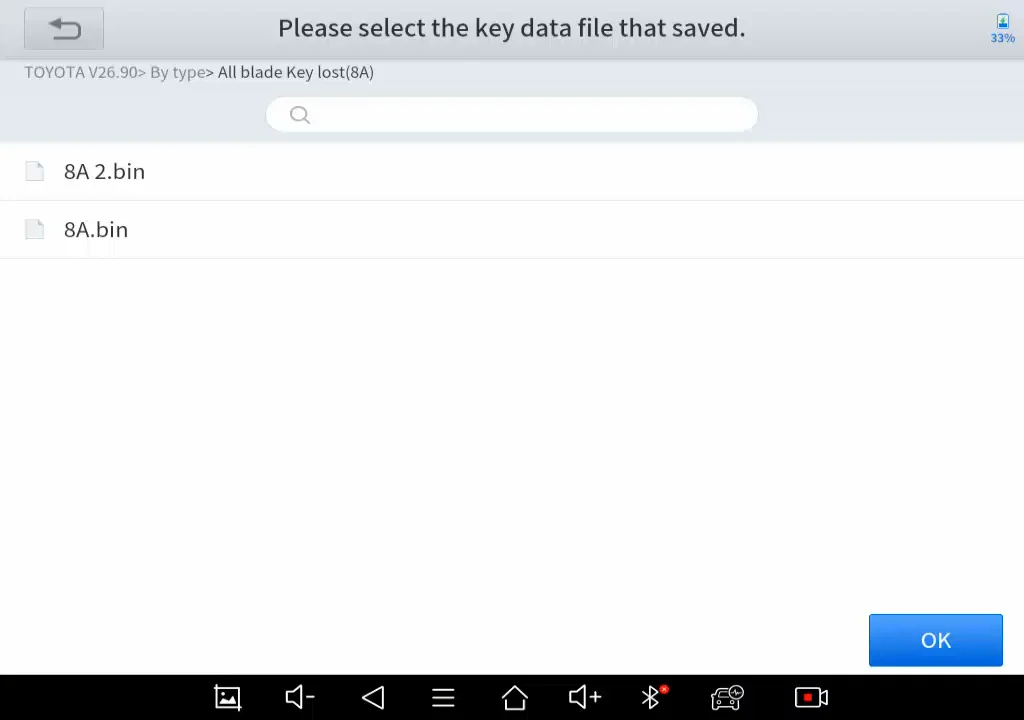
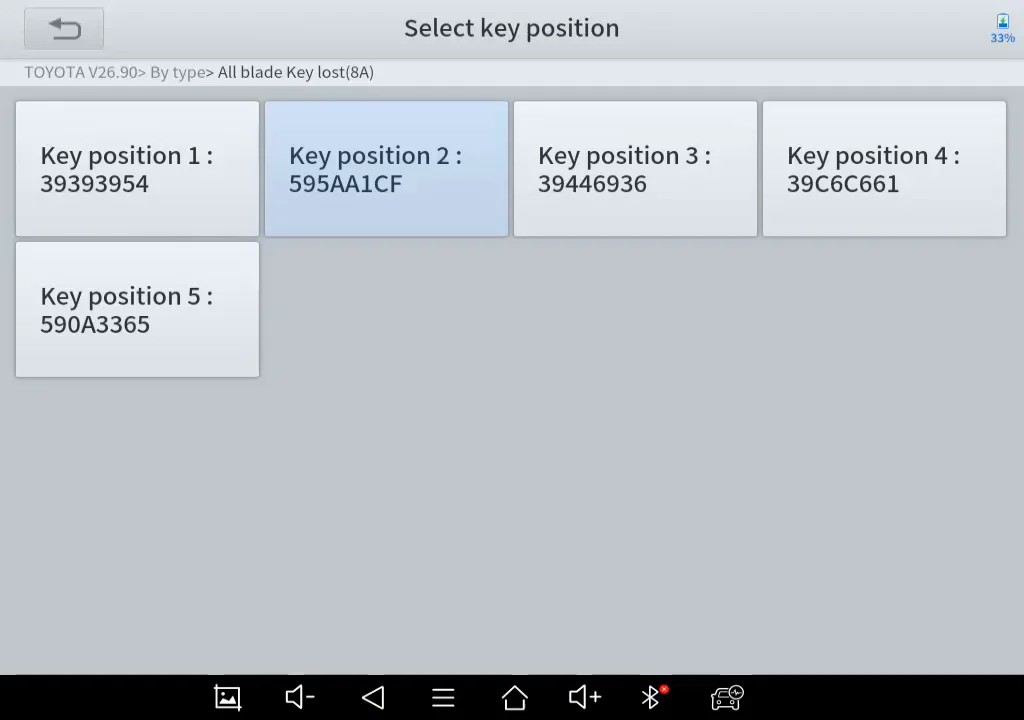
- Select saved data file and key position.
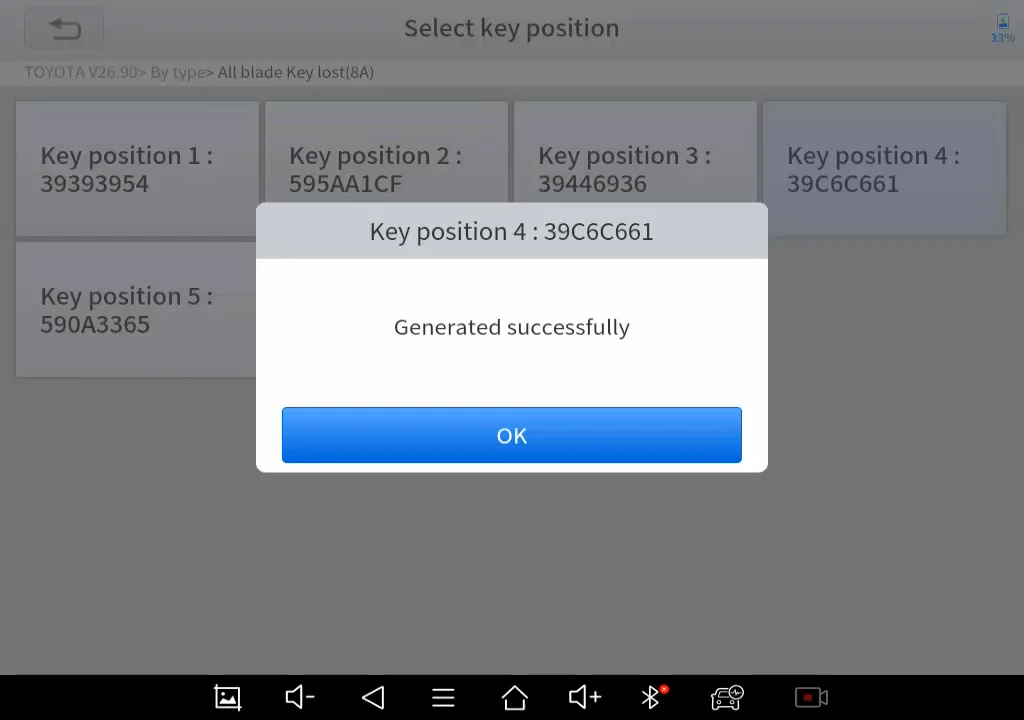
- Generate emulated sub master key.
- Verify emulated key functionality with ignition switch.
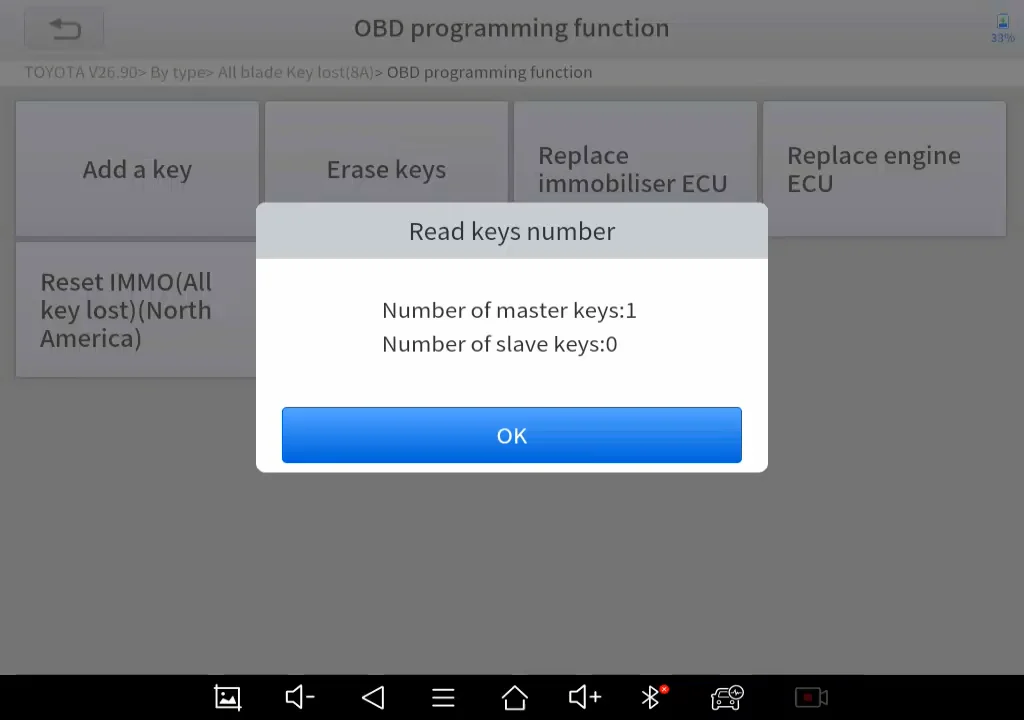
- Use OBD programming function to add new keys using KS-1 emulation.
- Insert new key (without chip) and follow ignition instructions.
- Install chip into new key, check immobilizer indicator.
- Verify added keys against original key count.
Benefits
- Reduces manual labor and repetitive connections.
- Speeds up all-key-lost programming.
- Supports both in-vehicle and bench programming.
- Ensures accurate key registration for Toyota 8A blade keys.